Short answer: a slideshow of the graduate while people arrive and eat; once it's dark and the music goes up, visuals that follow the playlist with their name and class year on the wall.
While people arrive: the slideshow
Old photos of the graduate — first day of school, the awkward years, last week — are what people gather round. Most TVs and streaming boxes can play an album from a phone or a USB stick. Keep it to the first hour; after that, everyone has seen them.
Once it's dark: the wall
A projector on a garage door or the side of the house turns the yard into the party. Run Dancy Ants on a laptop, send it to the projector with an HDMI cable and Send to Screen 2, and turn on Autopilot so it follows the playlist by itself.
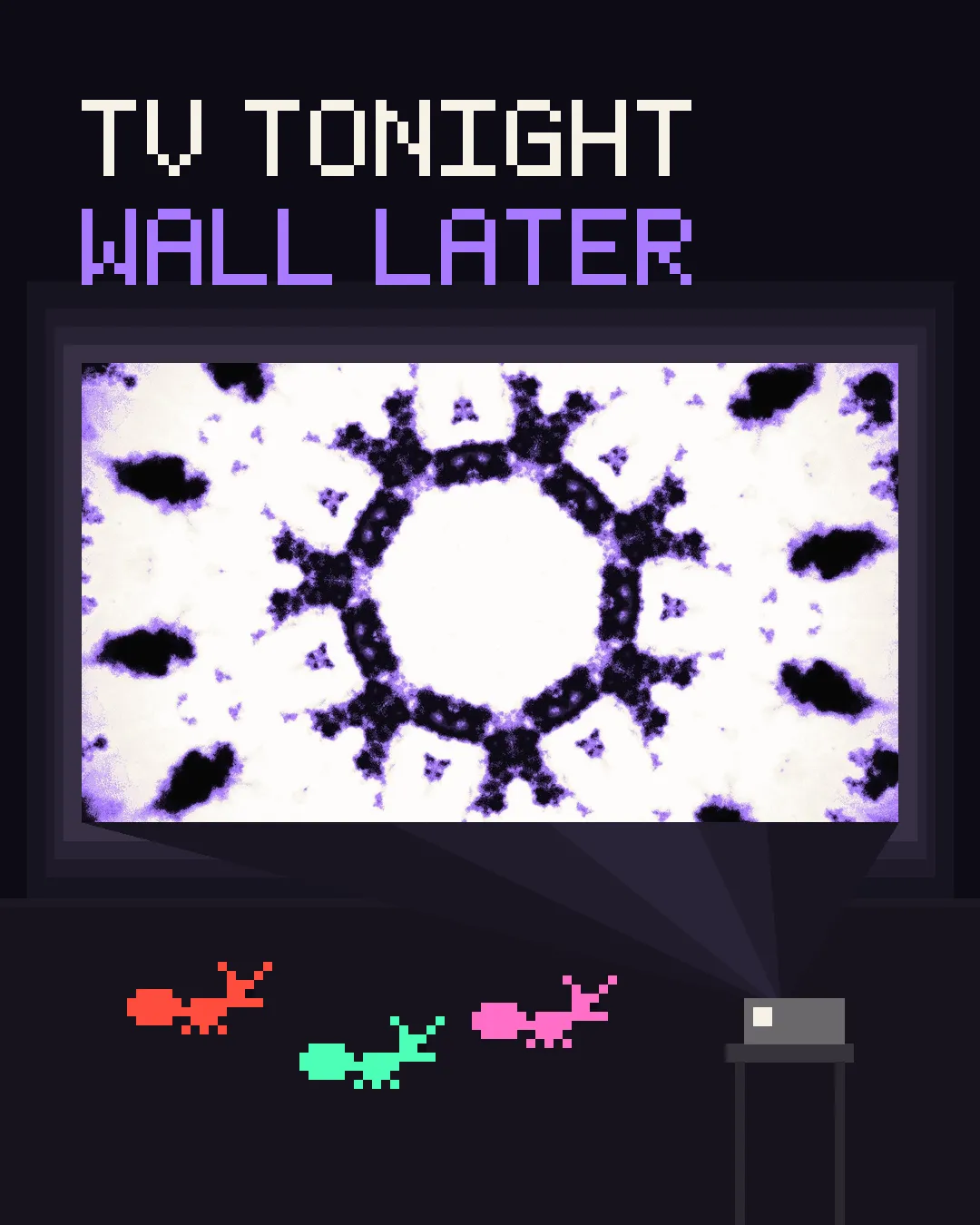
- Wait for dark. Even a bright projector washes out in daylight; outdoors, it's an after-sunset thing. In daylight, use a TV.
- Pale, flat surface. A garage door, a white wall or a sheet pegged to the fence.
- Power and cover. Laptop on mains power, kept out of the dew. Once it's open it doesn't need the internet.
Their name, in lights
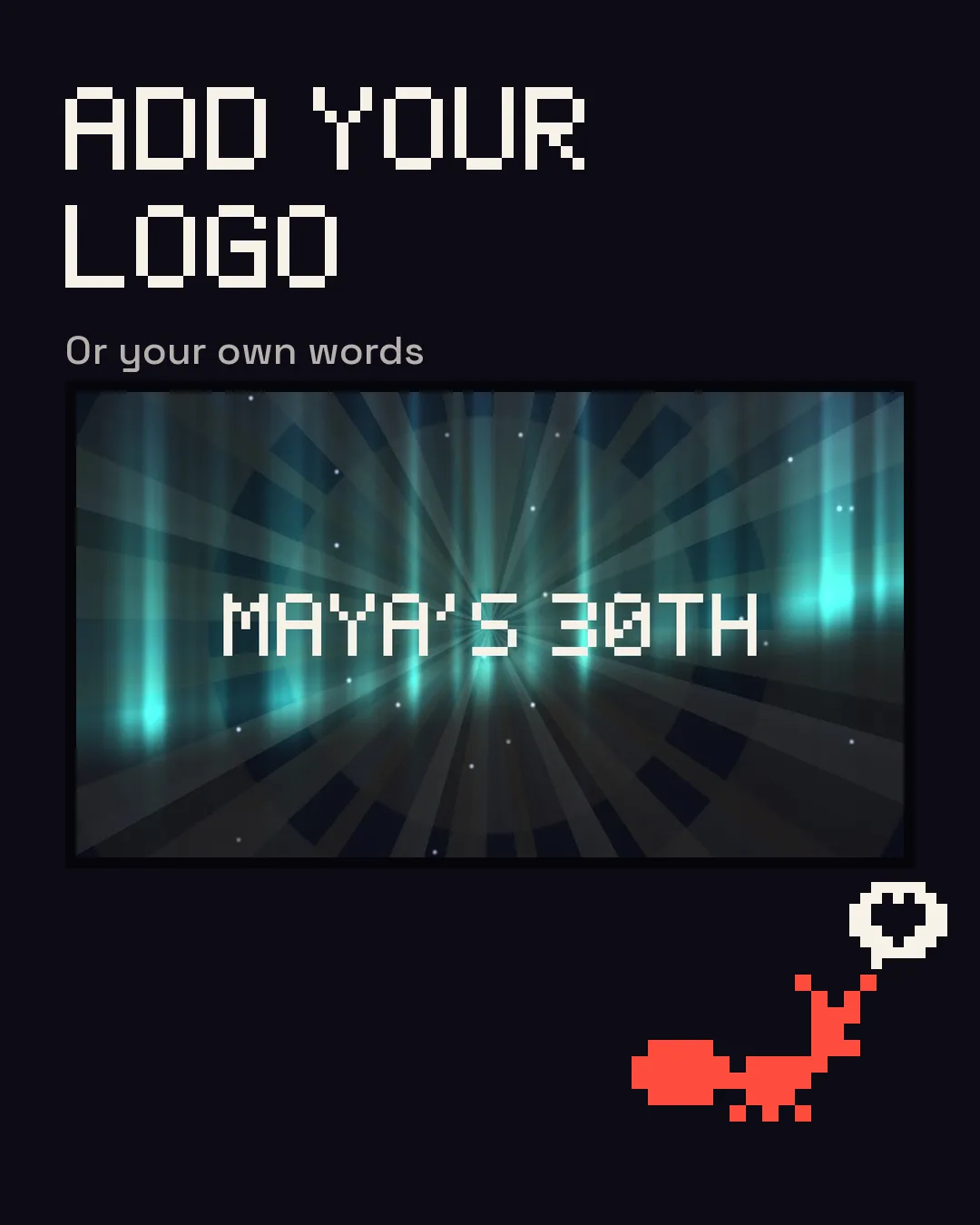
The Type layer puts your own words over the visuals: the graduate's name, “Class of 2027”, the school. The Logo layer takes an image if you have one. The Type layer can pulse with the beat; the logo sits over the moving picture.
A crowd of every age
Grandparents and graduates want different things from a screen. Start with slow, soft scenes and the Speed and Brightness down while people eat, and let it get louder as the night does. The strobe is held to three flashes a second unless you switch that off — or leave it out altogether.
Questions
Does it cost anything?
It's free with the Dancy Ants mark on the picture; $39 once takes it off.
Will it work with the music on my phone?
Yes, if the phone plays through a speaker in the same place as the laptop — the laptop's microphone hears it.