Short answer: start slow and warm — a fireplace video, or slow visuals in warm colours — and once the music goes up, switch to visuals that follow the playlist. Put your message on the wall: a name, the company, “Merry Christmas”.
While people arrive
Early on, the TV should be calm. Two good options:
- A fireplace video. The classic, for good reason. Pick a version with no sound so your music stays in charge.
- Slow visuals in warm colours. In Dancy Ants, a slow scene like Aurora, Ember Field or Light Leak with the Ember palette, and the Speed and Brightness turned down, reads as soft, moving light.
When the music goes up
Once people are dancing, a fireplace looks lost. Switch to visuals that follow the playlist: open Dancy Ants on a laptop, send it to the TV, and turn on Autopilot — it picks the scenes, holds through the build and changes on the drop, so nobody has to stand at the laptop.
Want Christmas colours? Your colours lets you set the palette by hand — a red and a green, or a cold white and blue with the Ice palette.
Your message on the wall
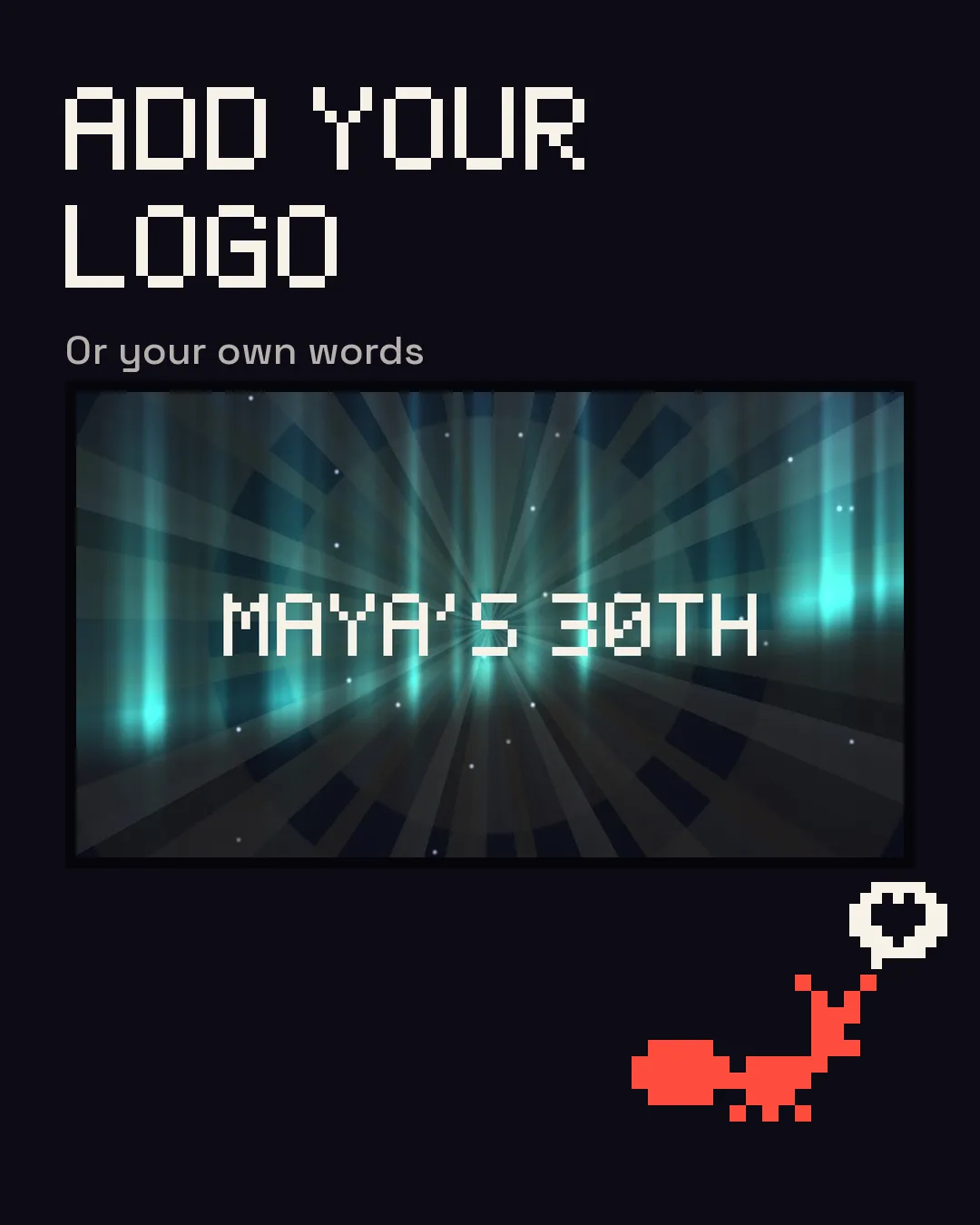
The Type layer puts your own words over the visuals: “Merry Christmas”, the family name, the team. The Logo layer takes an image — the company logo at an office party, for instance. The Type layer can pulse with the beat; the logo sits over the moving picture.
At the office party
- Use the big screen in the room — the meeting-room TV or the projector. A laptop with an HDMI cable is the most reliable way in.
- Check the sound source. If the music comes from a speaker, the laptop's microphone hears it. If it plays from the same laptop, use Listen to this computer.
- Test it the day before, on the same screen and the same network, and run the Quick check in the app (Setup → Test run) — it tests the screen, the sound and MIDI in a few seconds.
- Mind the strobe. It's held to three flashes a second unless you switch that off. Let people know there'll be flashing lights, or leave the strobe out.
Setting it up
- Open dancyants.com on a laptop in Chrome, Edge or Brave.
- Connect the TV or projector (HDMI, or AirPlay from a Mac) and press Send to Screen 2.
- Play the Christmas playlist. Done.
Every way to connect, brand by brand, is in the TV guide.
Questions
Christmas visuals without ads?
Dancy Ants has none. It's free to use with our mark on the picture, or $39 once without it.
Do I need internet on the night?
Only to open it. After that it keeps working offline.
Can I use it if I'm being paid to run the party?
Yes — that's what the Commercial licence is for ($99, once).