Visuals that move to whatever you're playing
Dancy Ants is a live music visualizer that runs in your browser. It listens to the music in the room — the kick, the bass, the highs, the build — and the picture on your TV or projector moves with it. With Autopilot on, it changes when the drop lands.
There's nothing to install and nothing to connect. Open it on a laptop, send the picture to the big screen, press play on whatever you were going to play anyway.
Three steps, about a minute
1. Open it on your laptop
Go to dancyants.com in Chrome, Edge or Brave. No app, no download. Once it's open, it keeps working without internet.
2. Send the picture to the screen
Plug the TV or projector in with HDMI and press Send to Screen 2. On a Mac you can AirPlay to the TV instead; Chrome can Cast.
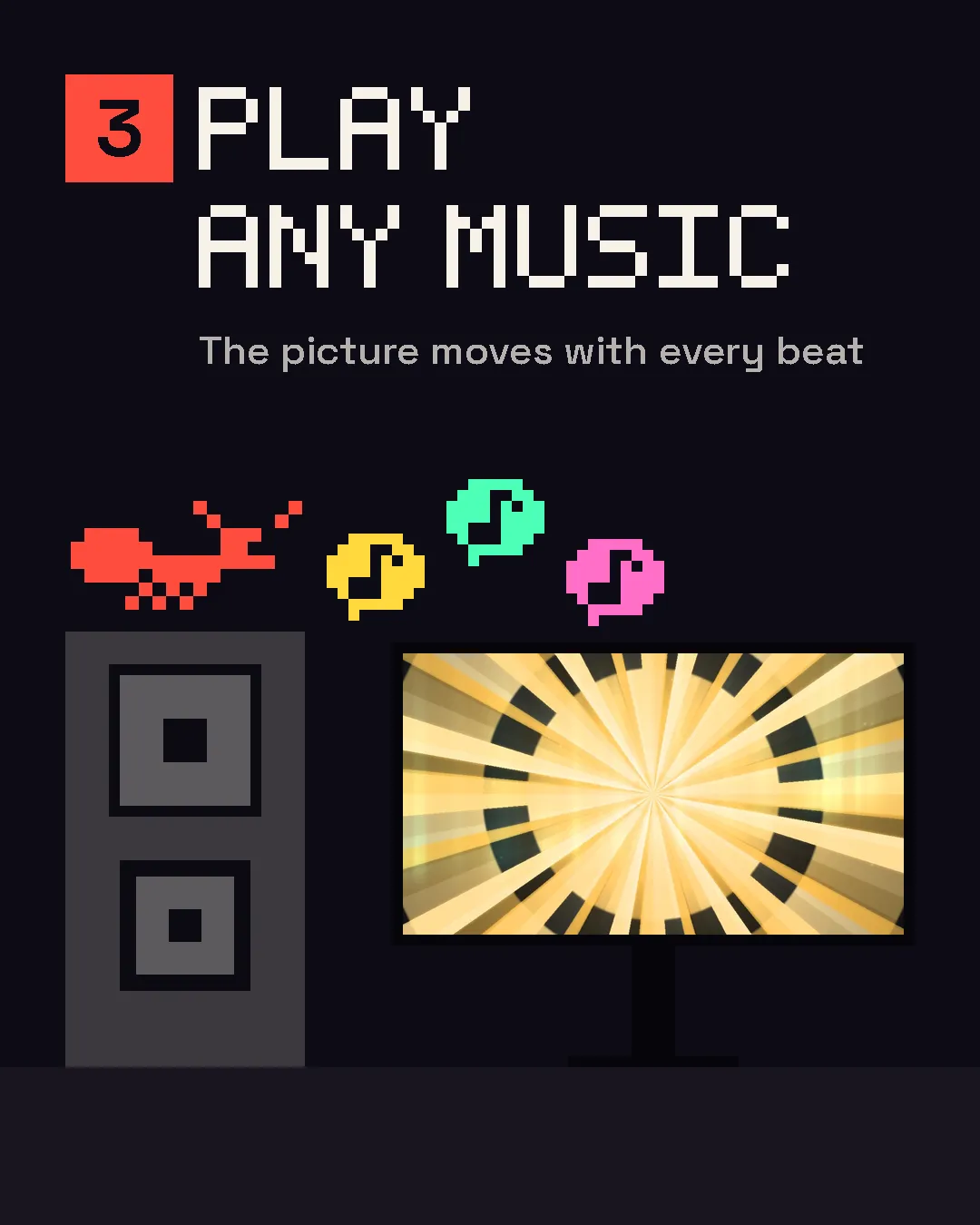
3. Play music
Anything the laptop can hear. Or let it listen to the laptop itself — a Spotify or YouTube tab, or (on Windows and recent Macs) any app — with Listen to this computer.
Anything that makes sound
It listens instead of plugging in, so it doesn't care where the music comes from.
- Spotify
- Apple Music
- YouTube
- SoundCloud
- Vinyl
- CDJs
- A USB stick
- A DJ controller
- A live band
- An audio interface
The sound is analysed on your laptop and never leaves it — see the privacy page.
From dinner to the last song
Let it run, or play it yourself
Autopilot runs the visuals from the music on its own: it holds through the build and changes on the drop. Or take over — every part of it is a control.
- 40 scenes
- 16 effects, one tap each
- Two decks and a crossfader
- Autopilot
- Your logo or your own words on the picture
- Your own video clips and images
- MIDI controllers (Chrome and Edge)
- Import Shadertoy and ISF shaders
- Record what's on screen to a video file
- Works offline once it's open
Free to use. Pay once if you want the name off.
Everything, forever. The picture carries the Dancy Ants mark.
The mark disappears. Yours forever, one machine at a time.
Licensed for paid gigs. Three machines at once. From Party, you pay the difference.
No subscription — nothing renews, so there's nothing to cancel. Checkout and receipts are handled by Paddle. Refunds.
Before you try it
Do I need to install anything?
No. It runs in the browser — Chrome, Edge or Brave on a laptop or desktop. Once it has loaded, it keeps working without internet.
Do I need an account?
No. Open it and play; the free version carries the Dancy Ants mark. A free account keeps your saved looks on every machine you use, and you need one to buy.
Does it work with Spotify?
Yes, and with anything else that plays sound. It listens through the microphone — or, with Listen to this computer, to the laptop itself: share the Spotify tab, or the whole screen with its sound. More in Spotify visualizer on your TV.
How do I get it on my TV?
A cable is the most reliable: HDMI from the laptop to the TV, then Send to Screen 2. Wireless works through AirPlay on a Mac or Cast in Chrome. Step by step, for every kind of TV: music visualizer for TV.
Can it run on the TV without a laptop?
Not today. There's no TV app — the TV shows what the laptop sends. A TV's apps can't listen to the room, so something in the room has to do the listening.
Does my audio leave my laptop?
No. The sound is analysed on your machine and never uploaded. It's only recorded if you press Record, and that file stays on your computer.
What does the free version look like?
The full instrument, with DANCY ANTS written across the picture and a small tag in the corner. $39, once, removes it.
Is it safe for people sensitive to flashing light?
The strobe is held to three flashes a second — the usual limit for people sensitive to flashing light — unless you switch that off. If you're showing visuals to other people, tell them there will be flashing lights — the terms say more.
What's the Commercial licence for?
Paid work: DJs, VJs, venues and events where someone is being paid for the night. It runs on three machines at once.
Setting it up for the night
- What to put on the TV at a partySeven ideas, from muted films to visuals that follow the music
- Music visualizer for your TVHDMI, AirPlay, Cast — every kind of TV
- Spotify visualizer on your TVSpotify doesn't have one. Here's what works
- Christmas party visualsThe TV at the office party or at home
- New Year's Eve party visualsFrom the first drink to midnight
- Graduation party visualsA projector, a wall and the graduate's name on it
- Visuals for DJ setsFrom any setup, with no plugin
- ShadersShadertoy and ISF, live with the music